Robert DAchat vérifié
Skin tones stay natural all day
Morning light through the window and a desk lamp at night both come out looking like me. I have not touched the settings since the first call.
19 €
Économisez 5% avec un code promo.
Détails
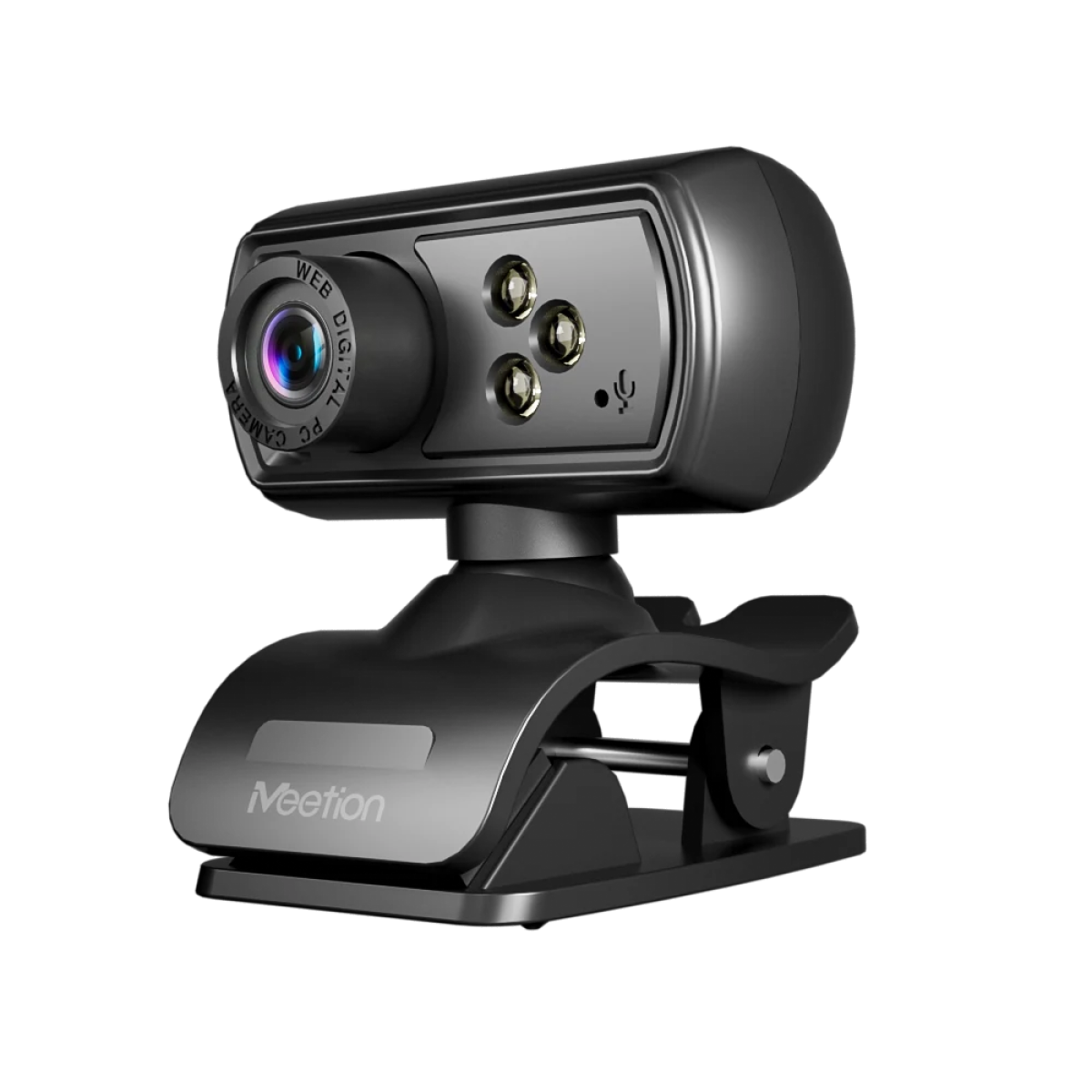
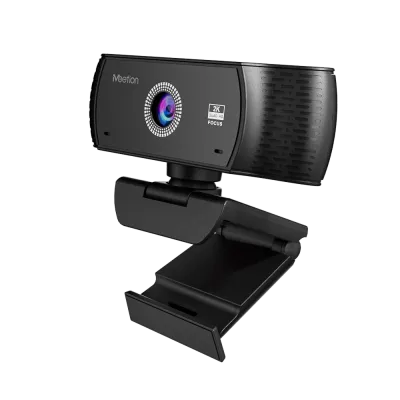
Résolution : 1280*720, max. 30 fps 2. Distance de travail 5CM-100M, mise au point manuelle 3. Taille des pixels : 2μm x 2μm 4. Caméra avec éclairage d'appoint intégré 5. AEC/AEB/AGC automatique 6. Interface : USB 2.0 7. Compatibilité : Win XP/Visa/7/8/10/ Linux avec UVC/ Mac 10.4.8 ou version ultérieure/ Android 4.0 ou version ultérieure avec UVC
Couleur : Black
En stock
D’après 6 avis
Affichage de 1–6 sur 6 avis
Morning light through the window and a desk lamp at night both come out looking like me. I have not touched the settings since the first call.
A physical cover I can slide closed is worth more than any software setting. I use it every time a call ends.
In normal lighting the image is clean and sharp. With only a desk lamp on it gets noisy, so I added a second light source and that solved it.
The difference is obvious to people on the other end. Two colleagues asked whether I had bought a new laptop.
I do not need a ring light to look presentable in the morning. It handles a normal window-lit room without turning me into a silhouette.
Zoom, Meet, and Teams all found it immediately, without installing anything. That is more than I can say for my previous camera.
Les avis sont réservés aux acheteurs vérifiés. Connectez-vous avec l’adresse e-mail utilisée pour la commande et publiez votre avis depuis la page de votre commande.
Tout dans cet ensemble provient de la même série et part dans le même colis.
4 articles — €38
Besoin d’aide pour ce produit ?
Envoyez une demande après-vente avec les détails de votre commande, ou consultez les manuels, les logiciels et les vidéos d’installation.
It supports 720P DPI.
It connects via USB Wired.
It supports Windows/Mac/Linux/Android.
Download the CAM500 Wired Webcam user manual. The page lists the languages and file size.
Manuels d’utilisation
Manuel d'utilisation du CAM500